


FOR YOUR WEDDING
All that love.
A little more organized.
Freeone active wedding
- Core planning for you and your partner
- Guests, budgets, tasks and decisions
- Bring your wedding team together
✳ For the “I do” people
The guest list. The dream team. The happy chaos. Bring your wedding and the business behind it together in WeddingBoard.
Couples plan free. Professionals start free.
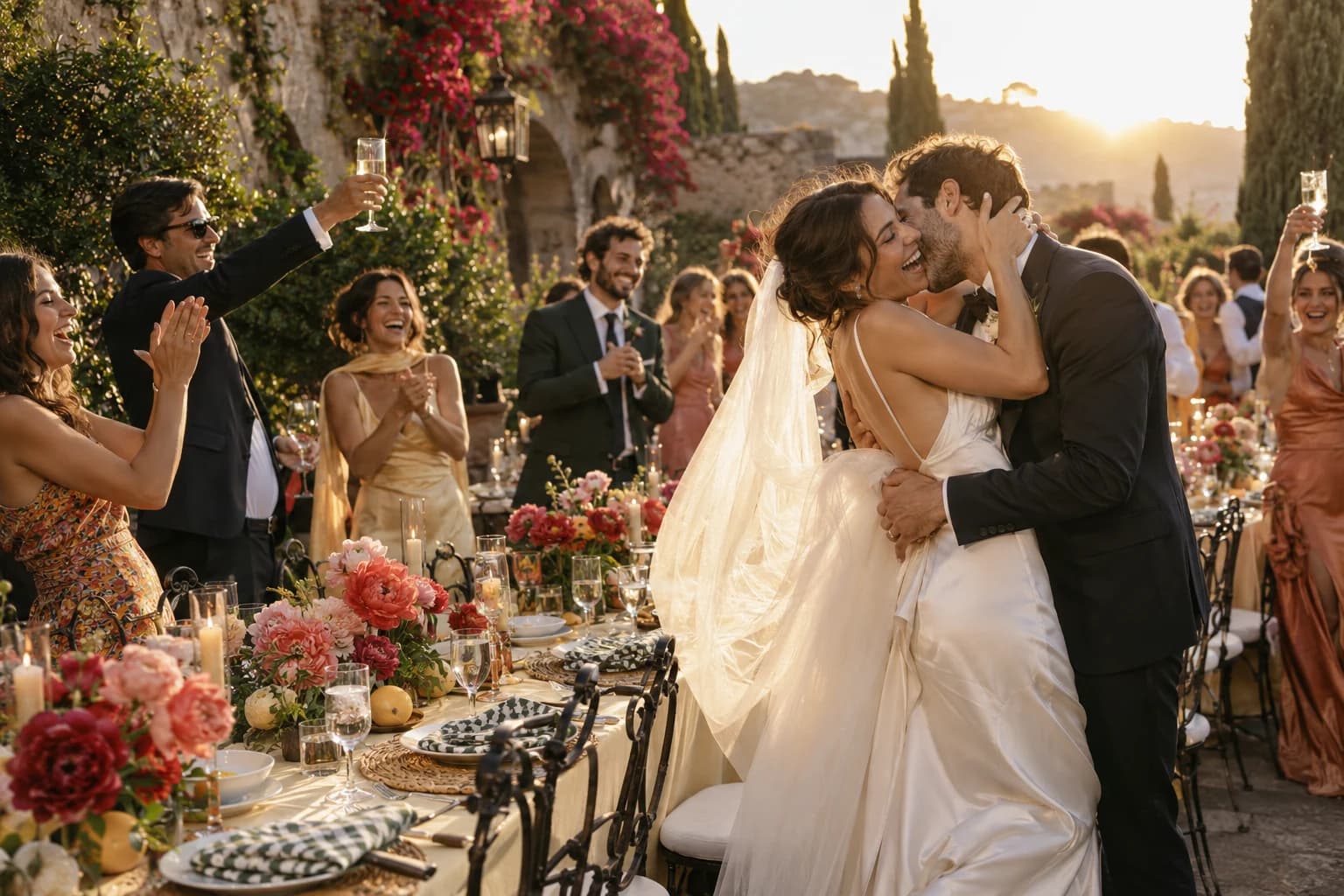
Maya & Jordan
THE WEDDING DAY · SAMPLE PLANYour kind of people
You’re dreaming it, planning it, capturing it, or bringing it to life. There’s a place for you here.
Consider it
handled.
Run the celebration. Grow the business. Be the one who has it handled.
 THE CAN’T-WAIT-TO-MARRY-YOU PEOPLEOh, happy us.
Dream it together. Plan it together. Make it outrageously yours.
 THE MOMENTS THAT MATTER.
Plan the coverage. Find the light. Be there for the unrepeatable.
From first inquiry to final flourish. Give your craft room to shine.
One wedding. So much possibility.
From the first “yes” to the last dance.
And all the wonderfully wild stuff in between.
Rose garden · Photographer
Just the two of youGarden steps · Wedding party
The whole lovely crewCourtyard · Everyone
The big momentTerrace · Catering team
Let’s celebrateFor the day you keep dreaming about
The guest list. The dinner. The deeply specific shade of pink. Give every decision a home, and leave more room for the part you actually came for: getting married.
Your people. Your priorities. Your very good day.
A little direction. A lot of possibility.
A hundred things on your mind? Let’s find the first good move. Two little questions. A plan you can actually use.
Made for you. Free to explore.
No email address or account needed.
A quick question · 1 of 2
Pick the hat you’re wearing today.
Real weddings don’t follow the script
The ceremony slips. The photos move. Dinner still has a deadline. See what changes, who’s affected, and what needs your attention before the little delay becomes a big thing.
Interactive sample wedding. Preview notices; no real texts sent.
The ceremony is moving. Here’s the new plan.
WHO NEEDS THE UPDATE?
Go ahead. Think of everything.
For the hundred little decisions that become one unforgettable celebration. Put the plans, people, and practical stuff in the same place.
Timelines & live coordination
Households, RSVPs & meal choices
Room layouts & seating plans
Budgets, expenses & balances
Tasks, forms & shared decisions
Inquiries, proposals & agreements
Wedding websites & guest information
Coverage plans & family photo lists
Room blocks & transport manifests
Crews, inventory & setup plans
Conversations & shared responsibilities
Gift records & thoughtful follow-through
A little help. A big head start.
Useful tools for real plans. Open one, make it yours, and take the results with you.
Explore the free toolkitFrom getting ready to the very last song.
Let’s do itBig priorities. Real numbers. A little breathing room.
Let’s do itAll the right people. Fewer missing uncles.
Let’s do itStart sketching the dinner of your dreams.
Let’s do itTHE BIG-DAY PLAYBOOKA practical plan for the moment every coordinator knows.
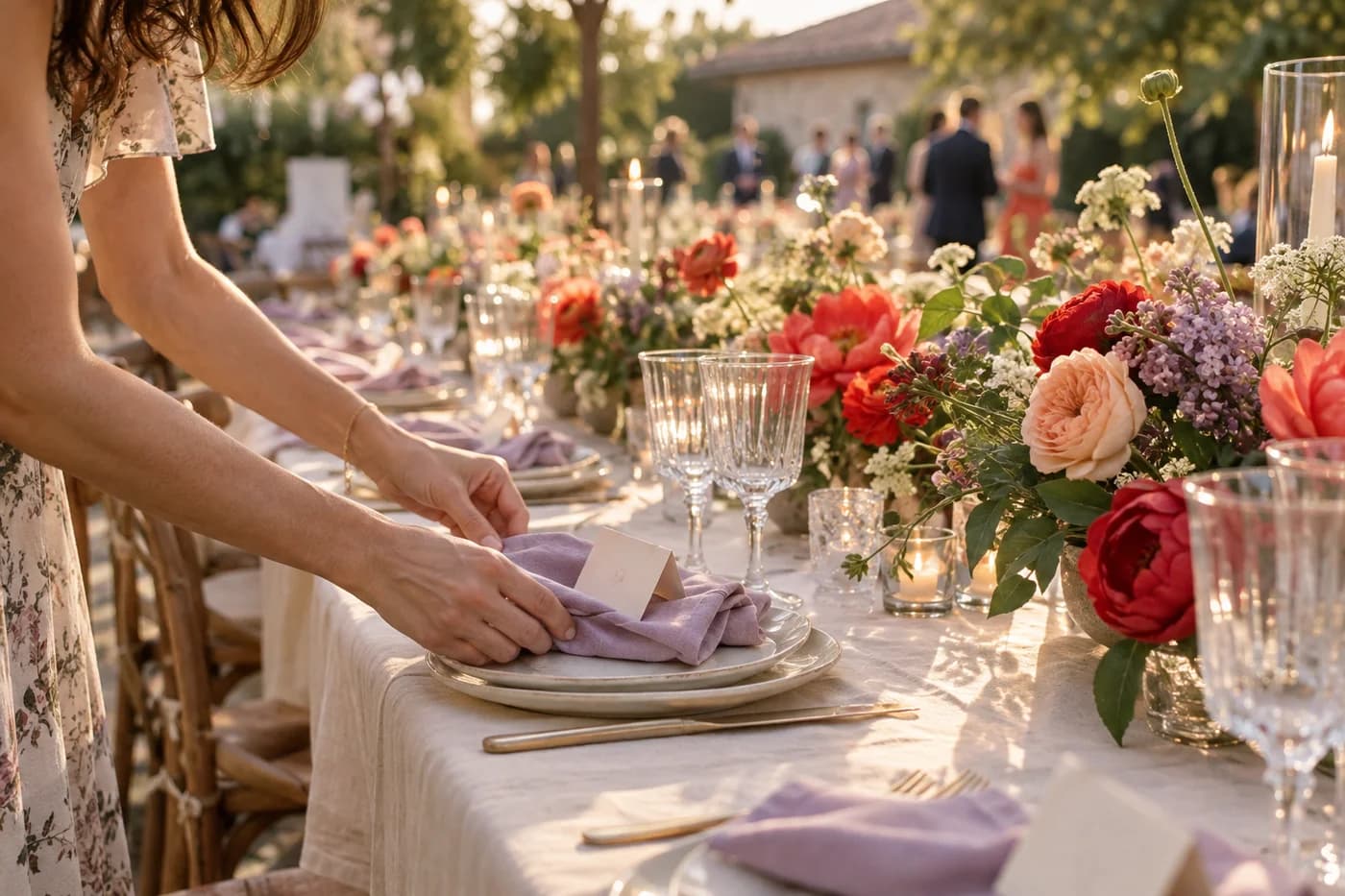
Leave a little room
for the happy tears.
THE LITTLE THINGS ARE THE BIG THINGS.
The seat beside Grandma. The flowers someone stayed up choosing. That tiny pause before the first look.
There’s a whole world of care behind a wedding. The lists, the late nights, the people quietly making it all come together.
We think that kind of heart deserves a very good home. A place to hold the details, share the plan, and make a little more room for the reason you’re doing all of this.
Here’s to caring a ridiculous amount.
That’s our kind of people.
Big possibilities. Clear pricing.
Your wedding is a big commitment.
Trying your planning tools shouldn’t be.
FOR YOUR WEDDING
FOR YOUR BUSINESS
Start with two active projects free.
Optional messaging, storage, AI usage and purchases are priced separately where offered. Connected services activate in stages. See setup and availability.
Both. WeddingBoard has separate journeys for couples, planners, photographers and vendors. Start in your own workspace, then invite the people involved in the wedding. Shared plans bring you together; private business records stay with the business.
Couples get core planning for one active wedding. Professionals can start with two active projects free, then upgrade for $49 per professional seat per month. Inviting a couple or collaborator doesn’t automatically make them a paid seat.
Your core team can use accounts, while invited participants can use scoped sharing links where supported. You choose who sees the schedule, guest information, files and other shared details. A wedding invitation never grants access to your private business finances.
Yes. Use the import workspace to map and preview supported files before adding records. Keep your own source files and review the proposed changes. The migration readiness tool helps you see what transfers and what needs attention.
Those connected services are being activated in stages. Provider setup, account eligibility and usage charges may apply. The wedding-day demo previews schedule updates without sending real texts. Native app distribution and physical fulfillment are also part of the rollout; check the changelog and help pages for current availability.
Absolutely. Start with one project, explore the interactive wedding-day demo, or try a public planning tool without an account. Bring the rest over when you’re ready.
ALL THE FEELINGS. ALL THE POSSIBILITIES.
Big love deserves a big plan.
Yours starts right here.


